High Barrier Film Roll: Four Tiers and Their Structures
October 23, 2026
A printed shrink film roll behaves differently from every other printed packaging material, because the artwork is not finished when it leaves the press. It is finished in the heat tunnel. That single fact explains almost every rejection: the film moves after printing, and anything that was correct on the flat roll can be wrong on the container.
When a print job comes back wrong after shrinking, the instinct is to blame the print. That is right perhaps half the time. The other half sits in prepress, in the material, or in the tunnel settings. This page works backwards: start from the defect you can see, and identify the layer that caused it. If you have not settled on a sleeve yet, our shrink sleeve vs label guide starts one step earlier — with whether a sleeve is the right format at all.
Key takeaways
– Shrink film artwork is finished in the tunnel, not on the press. Anything uncompensated at prepress will be wrong after shrinking.
– Every visible defect traces to one of four layers: material, prepress, printing, or application.
– Graphic distortion after shrinking is a prepress problem — the distortion must be calculated backwards before plates are made.
– Colour shift after shrinking is an ink problem: the ink system has to survive the shrink temperature, not just the drying temperature.
– Seam failure is almost never a print issue. It is geometry, adhesive and lap width.
Six Defects, Six Different Causes
Use this table to route the problem before you call anyone. A printed shrink film roll that fails on the line has a cause in one of four layers, and the layer determines who can fix it. Each row names the defect, the layer it usually comes from, and the check that confirms it. Print method itself is a wider subject than this table — our printed packaging rolls page covers print methods across formats.
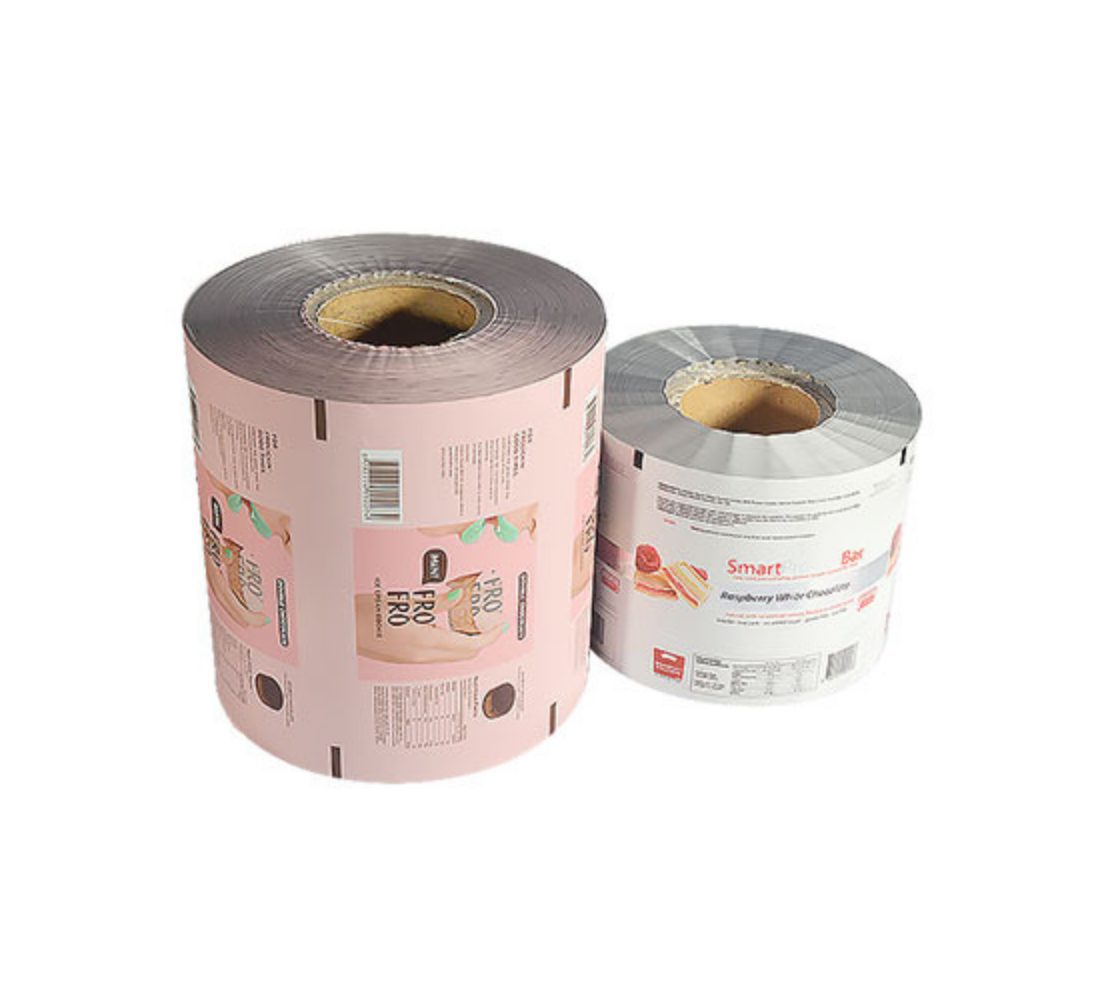
In one line: shrink print faults are layer faults — film, prepress file, ink or application — and the layer decides who can fix it. The table routes each defect to its layer with one confirming check per row, and the sections below take each of the six in turn.
| Defect you can see | Most likely layer | Confirming check |
|---|---|---|
| Wrinkles and puckering | Application, sometimes material | Compare wrinkle location against tunnel zone; consistent location means tunnel, wandering means material or tension |
| Distorted or stretched graphics | Prepress | Lay the unshrunk sleeve flat over the container drawing — if the flat artwork matches, distortion was never compensated |
| Colour shift after shrinking | Printing (ink system) | Compare a shrunk sample against an unshrunk sample under the same light; if the difference is measurable, the ink is not heat-stable |
| Seam split or overlap failure | Application and material | Measure lap width and look at seam position relative to the container radius |
| Bridging — film does not follow contours | Material | Check shrink behaviour against the container’s tightest radius |
| Ink scuffing, blocking or fogging | Printing (cure and coating) | Rub test on a shrunk sample; check whether ink or coating is the failure |
Running a shrink job that has gone wrong before? Send us the failed sample and the container drawing — most cases are diagnosable from those two items alone.
Wrinkles and Puckering
Wrinkles are the most reported defect and the one with the widest range of causes, which is exactly why the diagnosis has to be structured.
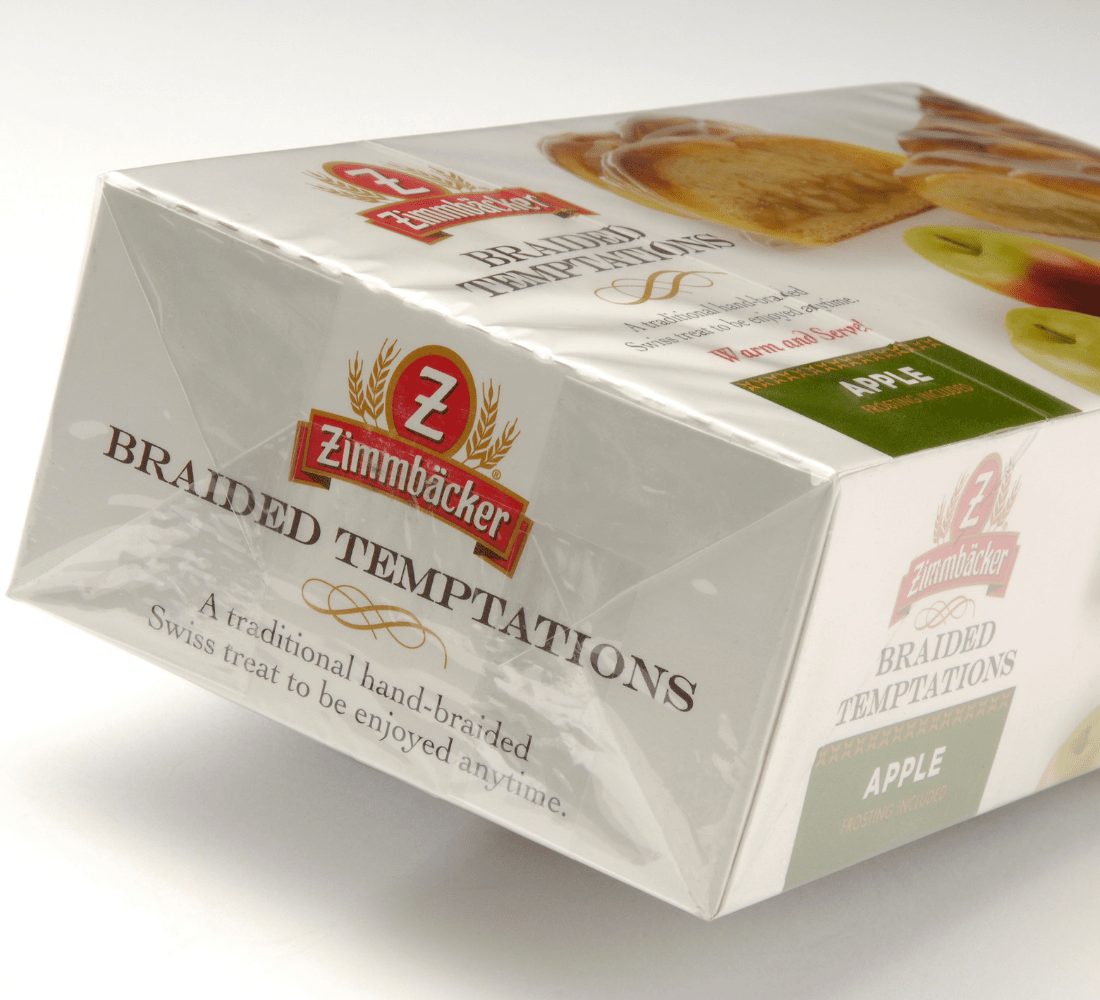
Start with where the wrinkle appears. If it is always in the same place on the container, the cause is usually the container or the tunnel: an uneven heat profile, a container wall thickness that varies, or a sleeve that is simply the wrong length for the area it has to cover. Fixing this is a tunnel and geometry exercise, not a material change.
If the wrinkle wanders from pack to pack, look at tension and application. On a roll-fed sleeving line, unwind tension that varies across the roll produces inconsistent application, and the sleeve goes onto the container slightly different each time. Register drift adds a second variable. Both are machine-side.
If the wrinkles appear only in printed areas — following the artwork rather than the container — the cause is the ink. Ink layers affect how the film shrinks. A heavy solid ink coverage changes the local thermal mass and can restrict contraction in that area, so the film puckers exactly where the ink is thickest. This is a real and frequently missed cause, and the fix is an ink system formulated for shrink applications plus a coverage review at design stage, not a thinner film.
Distorted Graphics
This is the single most valuable thing to understand about buying a printed shrink film roll, and it is the defect that most often gets blamed on the printer.
When a sleeve shrinks onto a shaped container, different parts of the sleeve contract by different amounts. The widest part of the bottle is covered by film that barely shrinks; the narrow neck is covered by film that contracts a great deal. If the artwork was laid out flat and printed as-is, then after shrinking the logo on the neck will be squashed and the text at the waist will be stretched. The print was perfect. The result is wrong.
The correction happens before plates are made. Prepress distortion compensation works backwards: you take the finished container, map how much each zone of the sleeve will contract, and then deliberately draw the artwork distorted in the opposite direction — stretched where the film will contract most, compressed where it will not. When the film shrinks, the artwork arrives at correct proportions.
Three consequences follow, and they are the practical reason this matters commercially:
- It cannot be fixed at press. No ink, plate or press setting corrects it. It is geometry computed in prepress.
- It requires the container drawing, early. Compensation is calculated from the container profile. Without an accurate drawing, no one can compensate, and no one should quote a proof as final.
- It has to be re-done if the container changes. A new bottle means a new compensation. This is why container changes late in a project are expensive on shrink sleeves specifically.
Compensation is not something you buy as an extra — it has to be built into how the job is routed. Custom shrink sleeves with your logo run the artwork through compensation before anything is proofed, which is the only point at which all three consequences above cost nothing to put right.
Colour Shift After Shrinking
Colour that changes in the tunnel is an ink problem, and it is more common than buyers expect because the shrink temperature is far above anything the ink sees during drying.
Inks for shrink applications have to be specified for heat stability at shrink temperature, not only for adhesion and rub resistance. Standard inks can darken, yellow, or lose saturation when they go through a steam tunnel, and metallics and some spot colours are the most vulnerable. Overprint varnishes and coatings have the same requirement — a varnish that yellows is just as damaging as an ink that shifts.
The practical way to manage it:
- Approve colour on a shrunk sample, never on a flat proof. This one change eliminates most disputes, because a flat proof cannot show what the tunnel does.
- Ask what temperature the ink system is rated for, and compare it against your tunnel’s actual operating range, not its nominal setting.
- Measure rather than argue. Colour difference can be assessed objectively using instrumental methods such as ASTM D2244, which describes how colour differences are calculated from measured coordinates. Setting a numeric tolerance at approval prevents the “it looks different” conversation entirely.
One more cause worth ruling out: a colour that shifts only on certain packs is often uneven tunnel temperature or inconsistent dwell, not ink at all. Same test applies — compare a shrunk sample against an unshrunk one from the same roll.
Lead time and unit price depend on specification, print method and order quantity — confirm both with our sales team before ordering.
Poor Seam or Overlap Failure
The seam is where a sleeve stops being a printed film and becomes a container-shaped label, and it is the part most often left out of the artwork conversation.
Three variables govern it:
- Lap width. Too narrow and the seam opens under shrink tension; too wide and it becomes visible, uses material unnecessarily, and can create a ridge.
- Adhesive. The seam adhesive has to hold through the tunnel and through distribution, and it has to be compatible with both the film and the ink system — an adhesive that attacks the ink at the seam is a common, avoidable failure.
- Seam position. Placing the seam on a high-curvature zone of the container, or on a panel where text needs to run across it, guarantees problems. Seam placement is a design decision that should be made with the container drawing in hand.
Seam failures are frequently reported as “the print cracked”, because the visible symptom is a break running through the graphics. It is not a print failure. It is geometry plus adhesive, and it is solved before the plates are made.
Also under this heading: bridging. If the film does not follow a tight radius and bridges across a concave curve instead of sitting into it, shrink behaviour is mismatched to the container — a material selection issue, and one of the few cases where a different film grade is genuinely the answer.
What to Send Us So It Gets Right First Time
Every defect above is cheaper to prevent than to diagnose. A printed shrink film roll is quoted on structure, print method and volume — but it succeeds or fails on the eight fields below. These fields, sent at enquiry stage, remove most of the risk:
- Container drawing — full profile with diameters or dimensions at several heights. This is the single most important item; distortion compensation and seam placement both depend on it.
- Coverage area — top and bottom of the sleeve, whether it goes over the cap, and whether there is a tamper band.
- Artwork — layered file, with fonts outlined, plus any spot colours or metallics flagged. Flag metallics early; they drive ink choice.
- Film preference — if you have one, with the reason (recyclability, conformability, cost).
- Tunnel type and settings — steam or hot air, dwell and temperature range, line speed.
- Application method — automatic sleeving, manual, or roll-fed.
- Quantity per run and annually — print method follows volume.
- Approval requirement — whether you will approve on a shrunk sample. We recommend you do.
A juice brand we worked with had gone through two printer changes over a distorted logo, and the fault was never the printing — nobody had been given the bottle drawing, so no compensation had ever been calculated. The artwork was right, the plates were right, and the result was always going to be wrong. Send the drawing.
And for how roll specs are set for machine running, our roll stock packaging notes cover the fields that matter once the job leaves prepress.
The Question Buyers Ask Last
After the defects, the layers and the eight spec fields, nearly every buyer lands on the same question: can we approve on a flat proof instead?
You can. It is also the most expensive shortcut in shrink printing, because a flat proof cannot show what the tunnel does — not the distortion, not the colour shift, not whether the ink survives the temperature. Approving flat means approving something no customer will ever see.
The version worth asking earlier is: what will the approval sample be? A shrunk sample on your actual container, run at your actual tunnel settings, is the only approval that predicts the result. It costs one extra step at the start of the job, and it is the step that removes the reprint.
So ask it at enquiry, not at approval. By the time plates are made, the flat proof is the only thing left on the table — and it is not the thing that ships.